The problem
Orders without a shared picture.
Produce managers ordered fresh produce from local farmers and vendors through phone calls and text messages. Corporate teams needed a clearer view of those orders, while finance needed information they could use to process payments with confidence.
The project began with understanding that workflow: how stores placed orders, how vendors fulfilled them, and what the corporate team needed to know.
Who it affects
Produce managers, local vendors, and corporate teams.
Produce managers needed to place orders with local suppliers. Corporate and finance teams needed visibility into those orders and the information required to process payments.
Following the work across teams.
I interviewed produce managers from grocery teams. Those conversations covered opening and closing routines, ordering tools, paper records, and pain points.
I turned those accounts into a journey map, then facilitated a workshop where managers could correct the steps, identify gaps, and suggest improvements. Interviews and focus groups with corporate stakeholders added the order reporting and payment perspective.
No consistent digital order trail
Phone and text orders did not reliably produce an immediate record of items, quantities, and invoices.
Limited visibility between stores and corporate
Corporate teams lacked a shared view of store orders and seasonal vendor activity.
Outdated tools increased friction
Existing handheld and desktop interfaces were difficult to use and update, creating opportunities for inaccurate records.
Decisions & tradeoffs
Use the devices already in stores.
Working with the product owner and business team, we aligned on an iPad app for produce managers and a web application for corporate teams. Stores already had iPads, making them a practical foundation for the proposed ordering experience.
The store app would support ordering from local vendors and relay order information to vendors and corporate. The web app would let corporate teams track store-level orders, manage vendors, and update product costs.
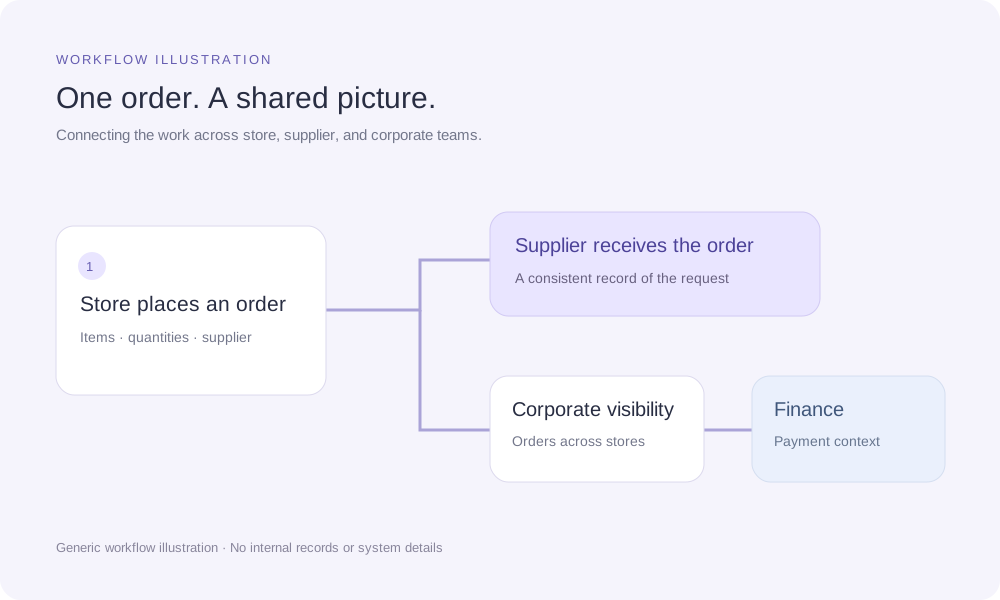
A specific alternative considered, the tradeoff in using existing iPads and separate store/corporate experiences, and how I helped the team reach the decision.
Progress & learning
Prototype, learn, and refine.
I designed mid-fidelity screens for quick feedback in the innovation lab and worked closely with the product owner to refine the concept. I ran usability sessions with store operators to explore whether the proposed interactions were intuitive and where navigation or terminology caused confusion.
During biweekly development sprints, I updated the designs to cover error scenarios and organized Figma components for the team.
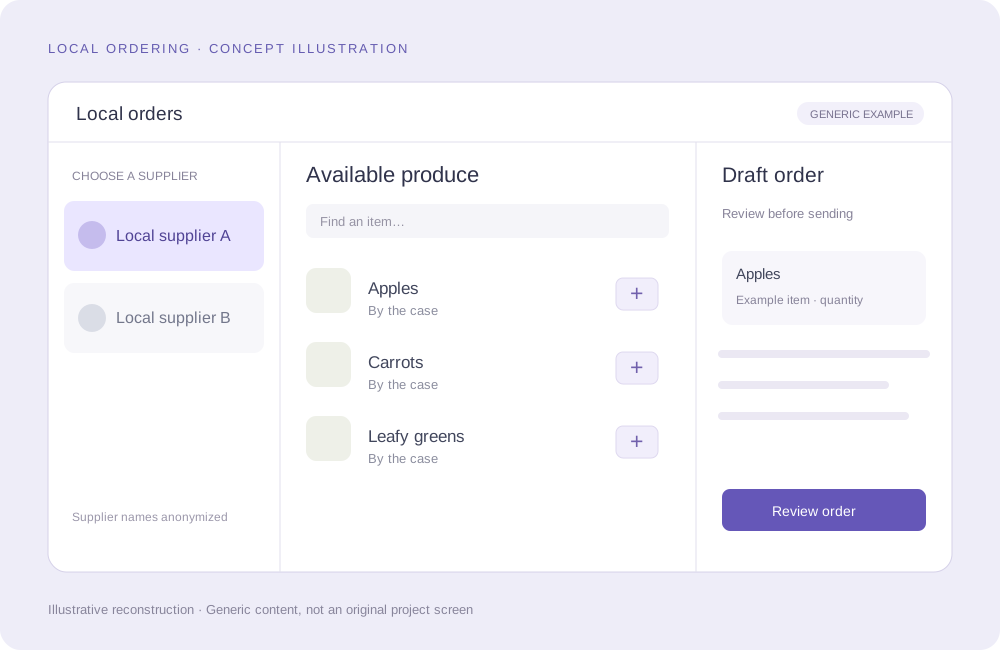
A design direction ready for further validation.
My contribution spanned discovery, workflow definition, prototyping, usability feedback, and design updates during development sprints. My co-op ended before I saw the final product, so I do not claim a launch result or measured operational improvement.
Further work would include task-time benchmarking, deeper investigation of delivery and shipping scenarios, and research with local vendors to understand their side of the ordering experience.
Success criteria
In the original case study, I proposed further usability testing, including task-time benchmarking, investigation of delivery and shipping scenarios, and research with local vendors. My co-op ended before I saw the final product, so there is no documented launch result or measured operational improvement here.
The exact evaluation tasks, any recorded usability findings, and later outcomes if available. Keep proposed next steps separate from completed work.